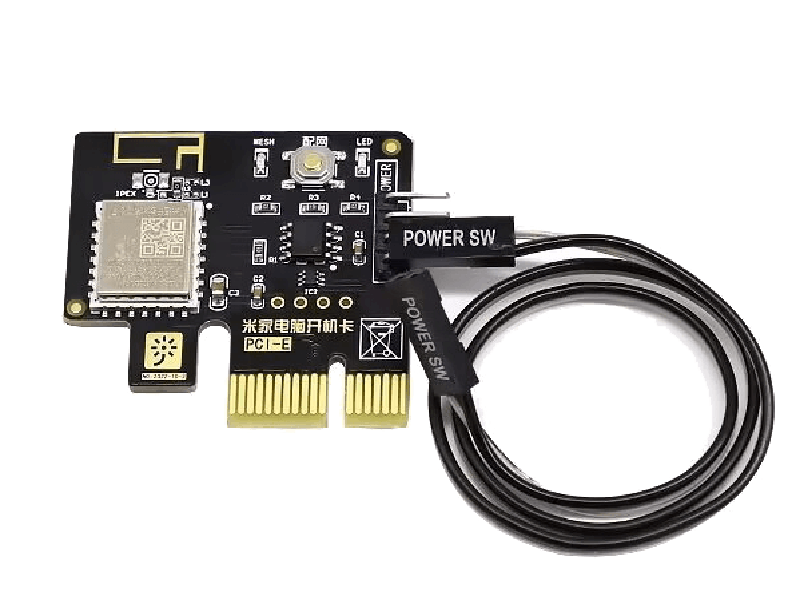
- My desktop PC is under the desk with a keyboard drawer, requiring me to bend down for power operations - quite inconvenient
- Purchased a PCI-E power control card (Taobao price: ¥35). Confirm your motherboard has compatible PCI-E slot (shown below)
- If unsure about motherboard compatibility, send your motherboard photo to customer service for verification
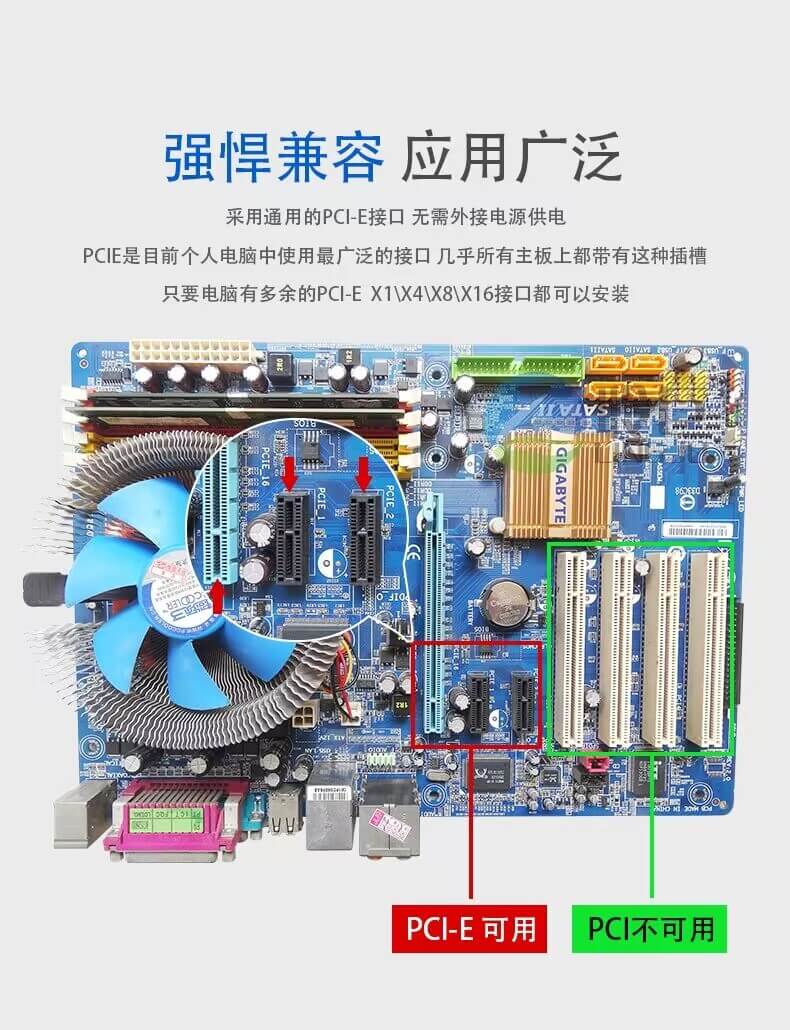
1.jpg
Getting Started
The power control card as received:
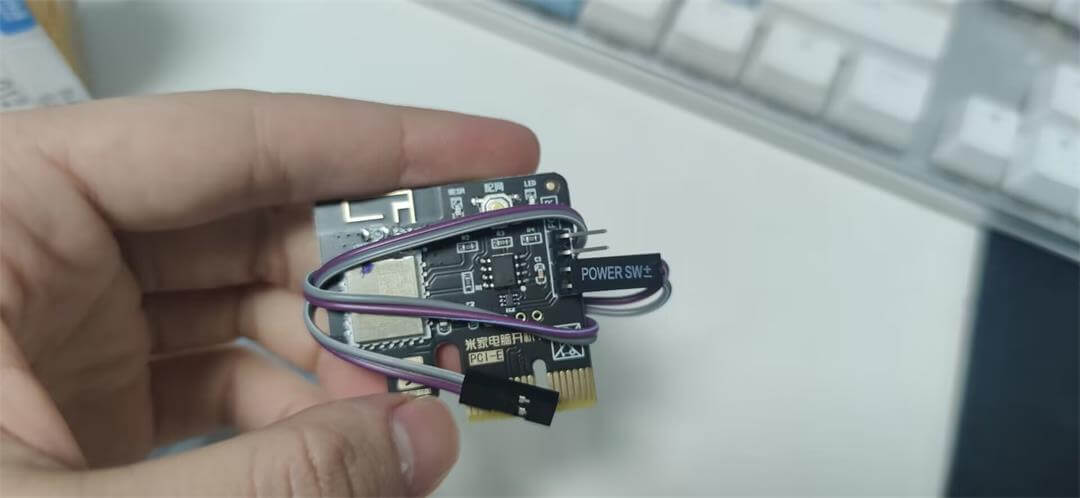
2.jpg Motherboard header diagram (key point: locate the POWER SW pins in bottom-right corner)
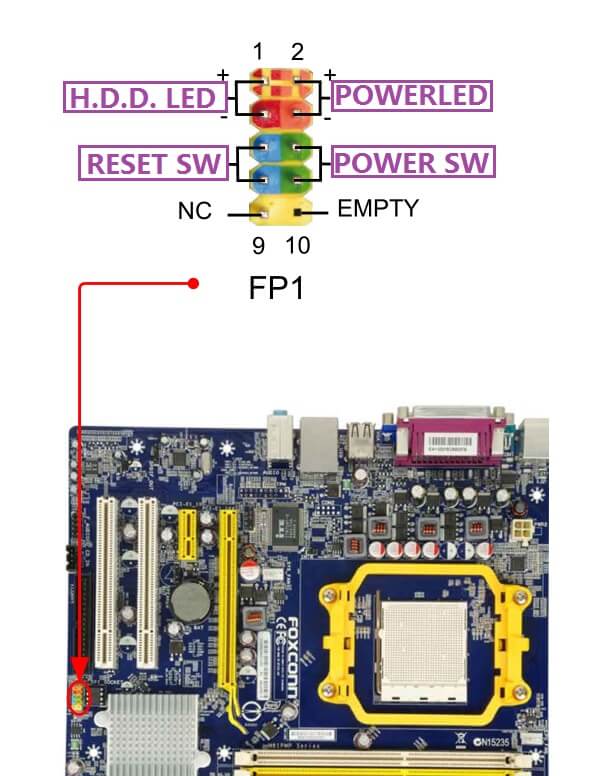
3.jpg Installation steps:
1. Connect original POWER SW cable to the control card
2. Connect control card’s POWER SW cable to motherboard header
3. Insert control card into PCI-E slotImportant: Always unplug power cable before installation to prevent accidental boot
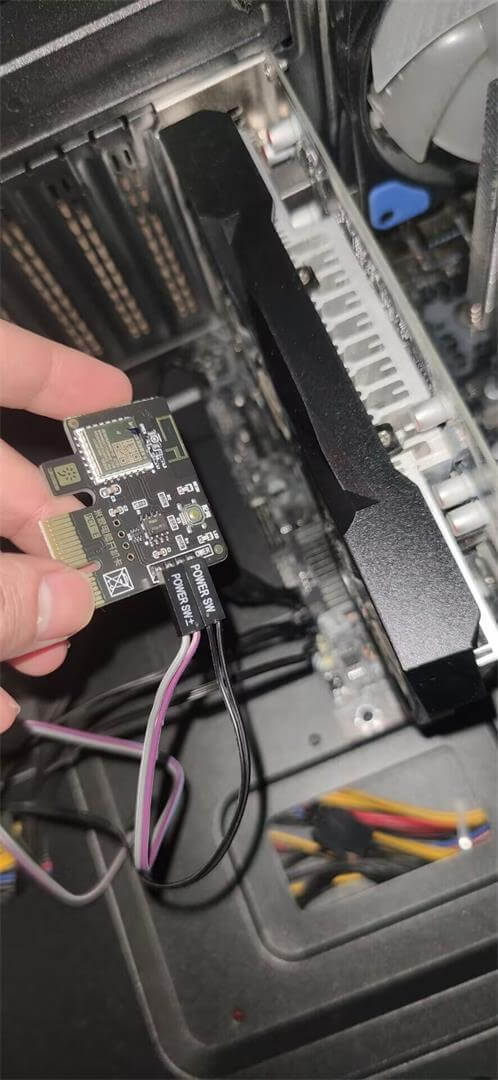
4.jpg
Mi Home Setup
- The control card auto-appears in Mi Home app after PC boots. Rename device to “Computer” in app.
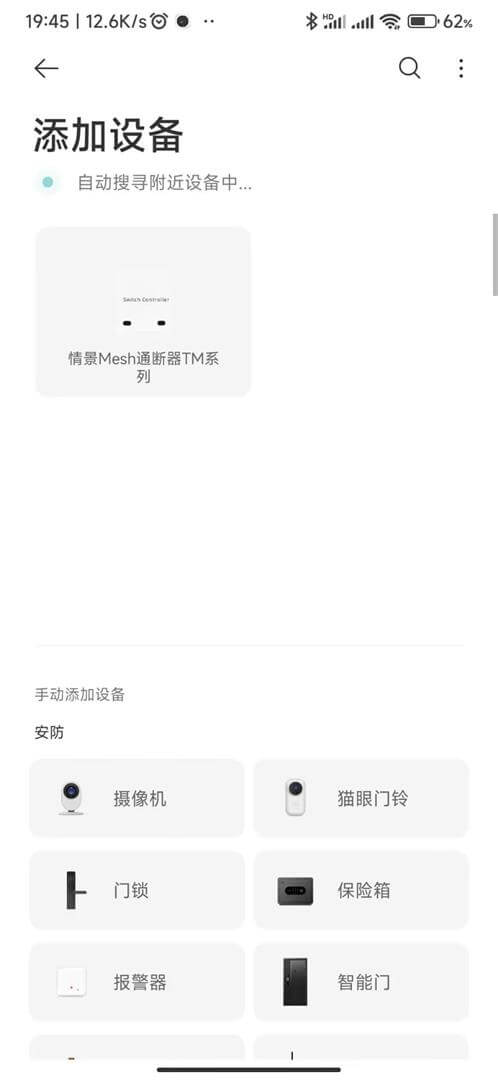
5.jpg